vtmate
🇬🇧

How to use it

Conversation mode

The default mode when you open vtmate: one agent, back and forth, waiting for your voice and replying with its own voice. You can interrupt the agent mid reply, restart the conversation or undo the previous message. Also you can live swap agents and change voice speed. Connect it to your local ai models or a cloud ai model (see Configure Agents to customize your agent to your needs).

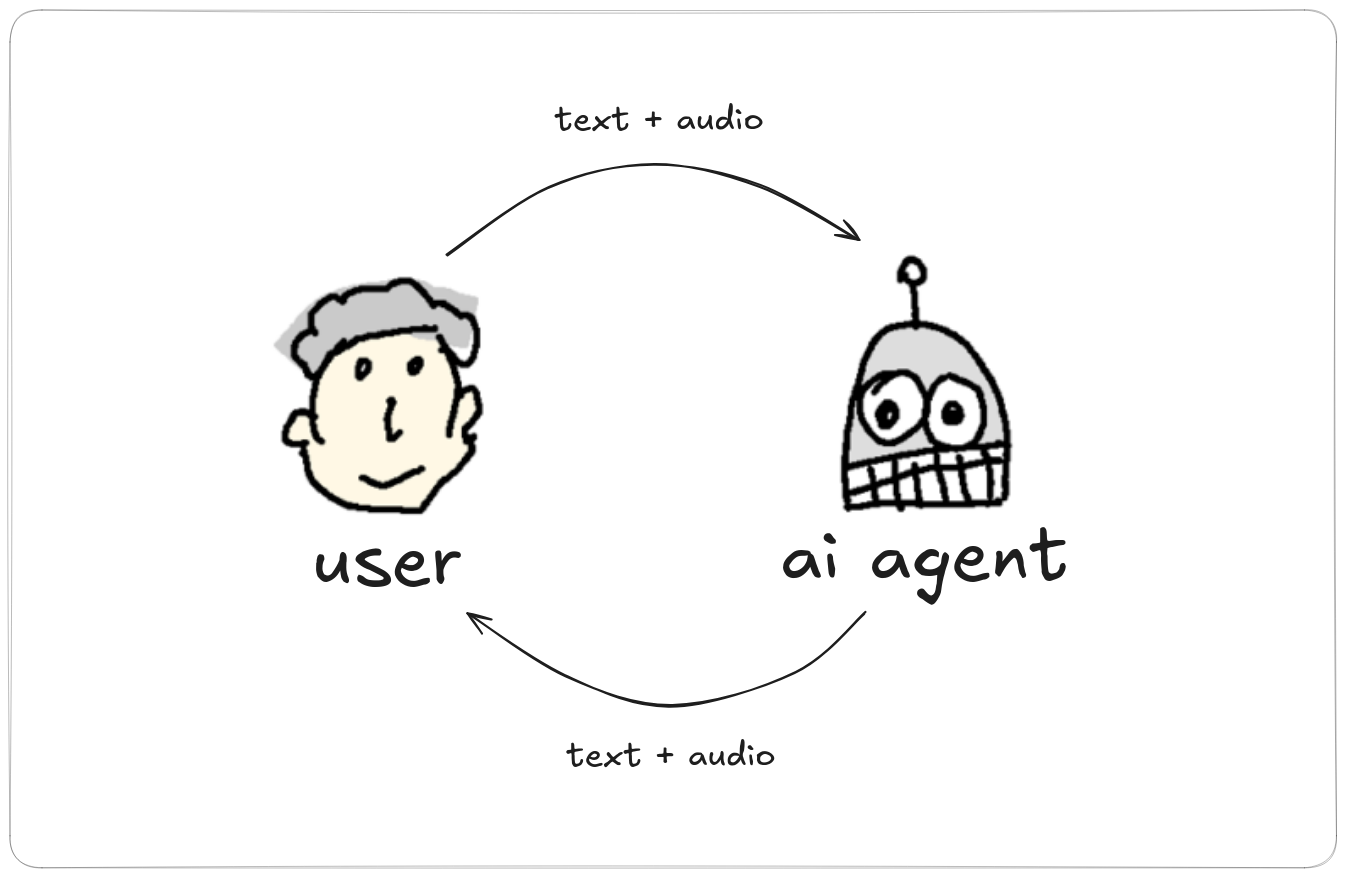
Conversation mode diagram

Starting a conversation

Start with the default agent (waits for your voice)

vtmate

Start with a specific agent

vtmate -a "main agent"

Start with an initial text prompt

vtmate -p "Are we alone in the galaxy?"

Start with an initial prompt from a file

vtmate -i myprompt.txt

Start with an initial prompt from stdin

echo "How to fly without wings?" | vtmate -i -

Whichever way you start it - by voice, -p, -i, or stdin - that initial input becomes turn 0 and the conversation continues normally from there.
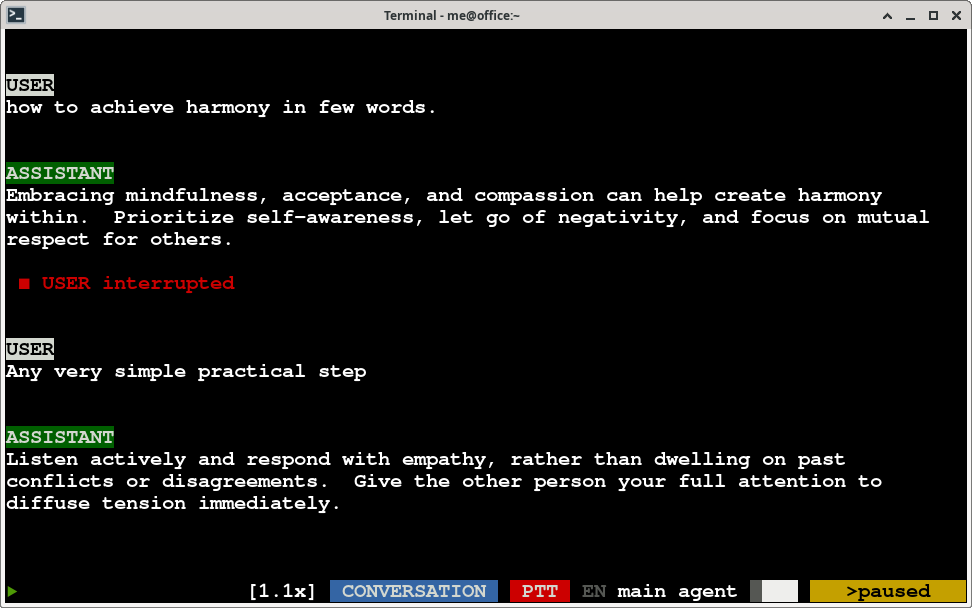
A running conversation in vtmate's terminal

Keyboard shortcuts while running

KeyWhat it does
Control+SOpens the agents popup - add, edit, remove or switch agents without leaving the conversation. See Configure Agents.
Control+DStarts (or stops) a debate between two agents without leaving conversation mode. See Debate mode.
Control+EStarts (or stops) saving the running conversation without leaving it or restarting it: a popup lets you pick .txt + .wav, the HTML player, or both. While a save is running, the same popup shows the destination folder and a "Stop recording" button. See Saving sessions.
ESCAPE (once)Stops the agent's current playback mid-response.
ESCAPE (twice, within a second)Resets the conversation - fresh history.
u (double press)Undoes the previous response.
ARROW_LEFT / ARROW_RIGHTSwitches live to the previous / next agent (needs at least 2 agents defined).
ARROW_UP / ARROW_DOWNChanges the current agent's voice speed live.
SPACEHold-to-talk in PTT mode, or pause/resume in LIVE mode. See PTT / Live modes.

Saving what you say

Add -s to save the conversation as text plus one .wav, or -s-html (also written --save-html) to export a folder with a playable HTML session and one audio file per turn - both write to ~/.vtmate/conversations and can be combined. The full breakdown, including what the exported files look like, is in Saving sessions.

vtmate -s
vtmate -s-html