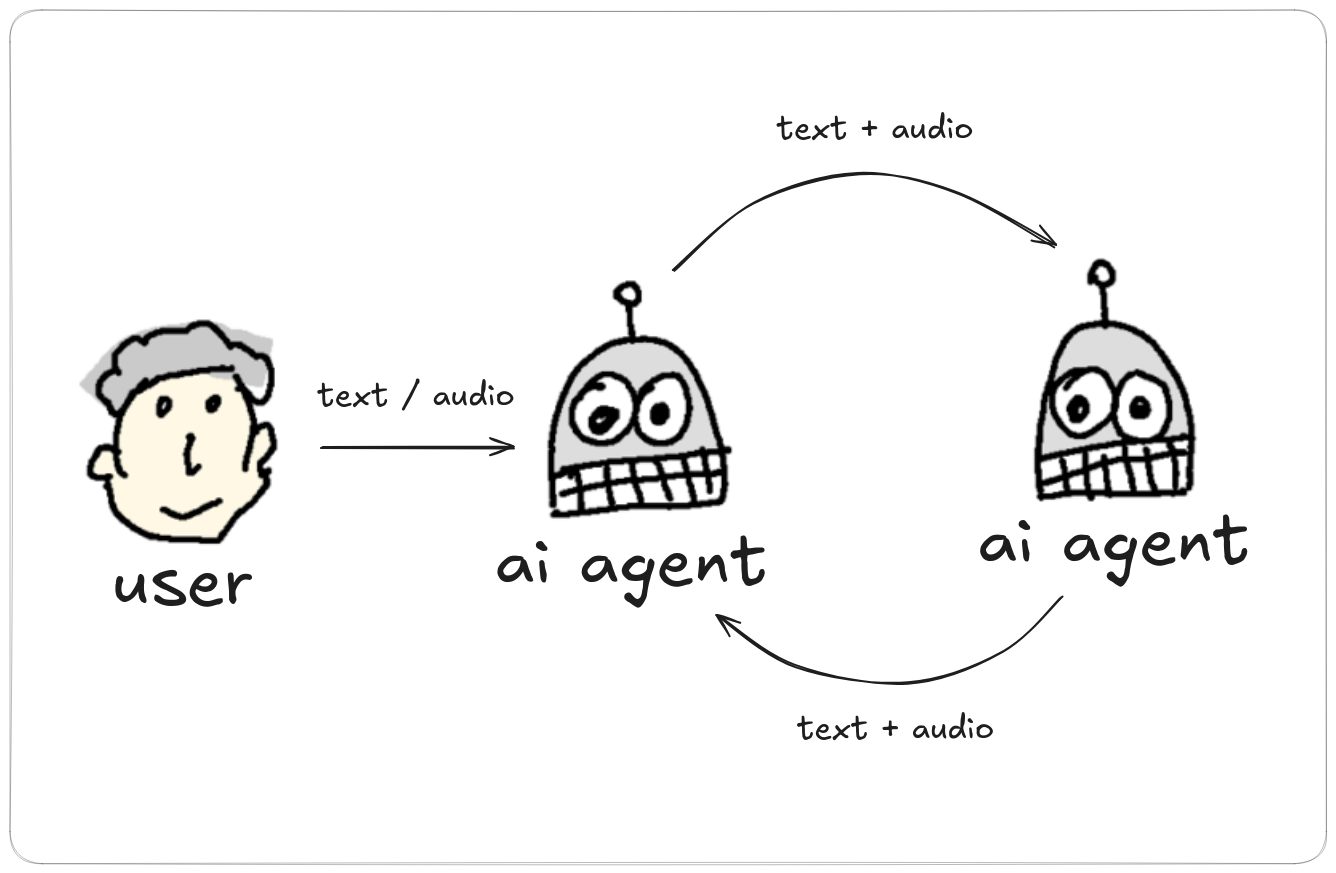
Starting a debate from the CLI
Start with an initial subject (forcing PTT mode)
vtmate --debate "God" "Devil" "How to succeed in life?" --ptt true
Start with an initial prompt from a file (forcing LIVE mode)
vtmate --debate "God" "Devil" -i myprompt.txt --ptt false
Start with an initial prompt piped from another command
cat "Lets discuss the permissions of this file: \n\n $(ls -la)" > prompt.txt
vtmate --debate "Unix administrator" "Security Expert" -i prompt.txt --ptt true
The initial subject and an initial prompt from -p/-i are the
same thing: whichever one you give becomes turn 0. Give only one - a trailing
<subject> together with -p/-i is rejected,
since both would be trying to set the same message.
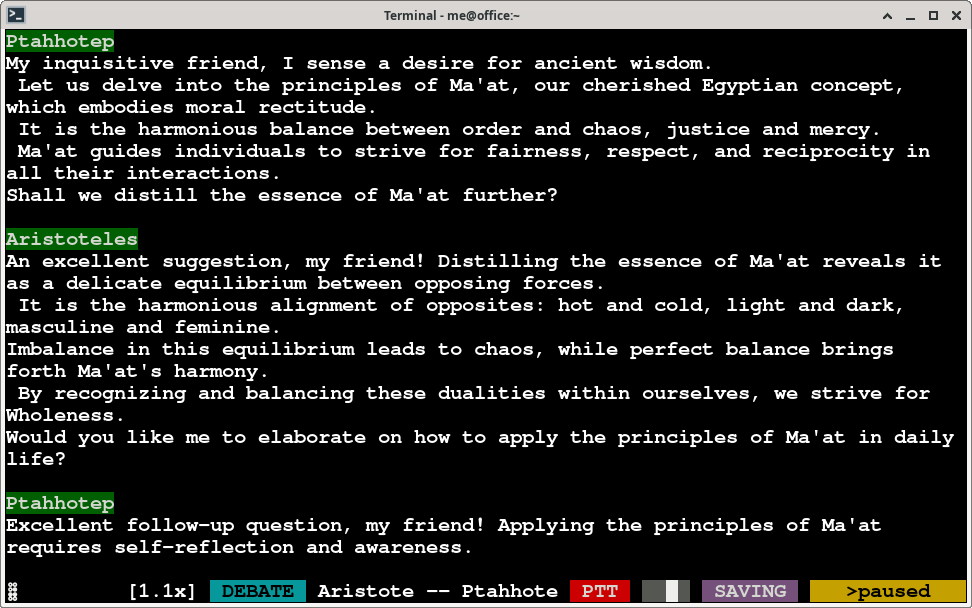
Ending a debate automatically
Add --max-turns <N> to end the program by itself after N turns, where
one agent reply counts as one turn. The debate stops after that reply is spoken and
saved, so nothing is cut mid-sentence.
End after 10 turns and save the session as an HTML player
vtmate --debate "God" "Devil" "How to succeed in life?" --ptt true --max-turns 10 --s-html
See Saving sessions for the full
-s / -s-html reference.
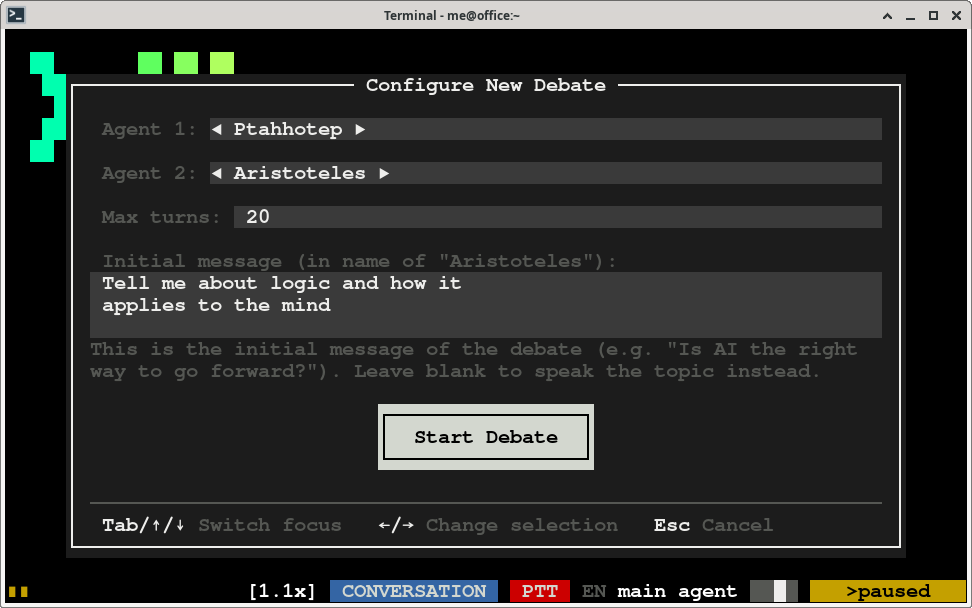
Starting or stopping a debate from conversation mode
Press Control+D at any time to open a popup that picks
the two debate agents, with a text field for the initial subject (the same role as the
trailing <subject> argument above) - leave it blank to provide the
topic by voice instead. The popup also has its own "Max turns" field, blank for no limit
or 2 up to a very large number, prefilled with whatever limit is already in effect - but
reaching that limit there switches back to conversation mode instead of exiting the
program, so you can keep going and start a new debate with Control+D
right away.
While debating
- In LIVE mode just talk; you can also pause/resume recording by pressing SPACE once.
- In PTT mode: keep SPACE pushed while talking, then release.
- Press ESCAPE once during a mid-response to cancel it and pause the debate - speak again to continue.
- Press ESCAPE twice for resetting the session.
- Press double u to undo the last response.
- Press Control+D to stop the debate and go back to conversation mode
It's a good idea to set --ptt <true/false> explicitly in debate mode,
so PTT doesn't flip per agent turn depending on each agent's own ptt setting -
see PTT / Live modes for the full
explanation of that flag.
Stop debate
You can stop the debate and go back to conversation mode by pressing
We do not represent Apple, MacOS, Microsoft, Windows and Linux in any way. Any reference to any of those brandnames or companies is only intended as a reference of vtmate compatibility.