Reading a file or STDIN
Read from a text file (saved automatically to ~/.vtmate/read-files)
vtmate -r myfile.txt -a readerRead from STDIN text, get a response and exit
echo "First phrase. Second phrase" | vtmate -r -
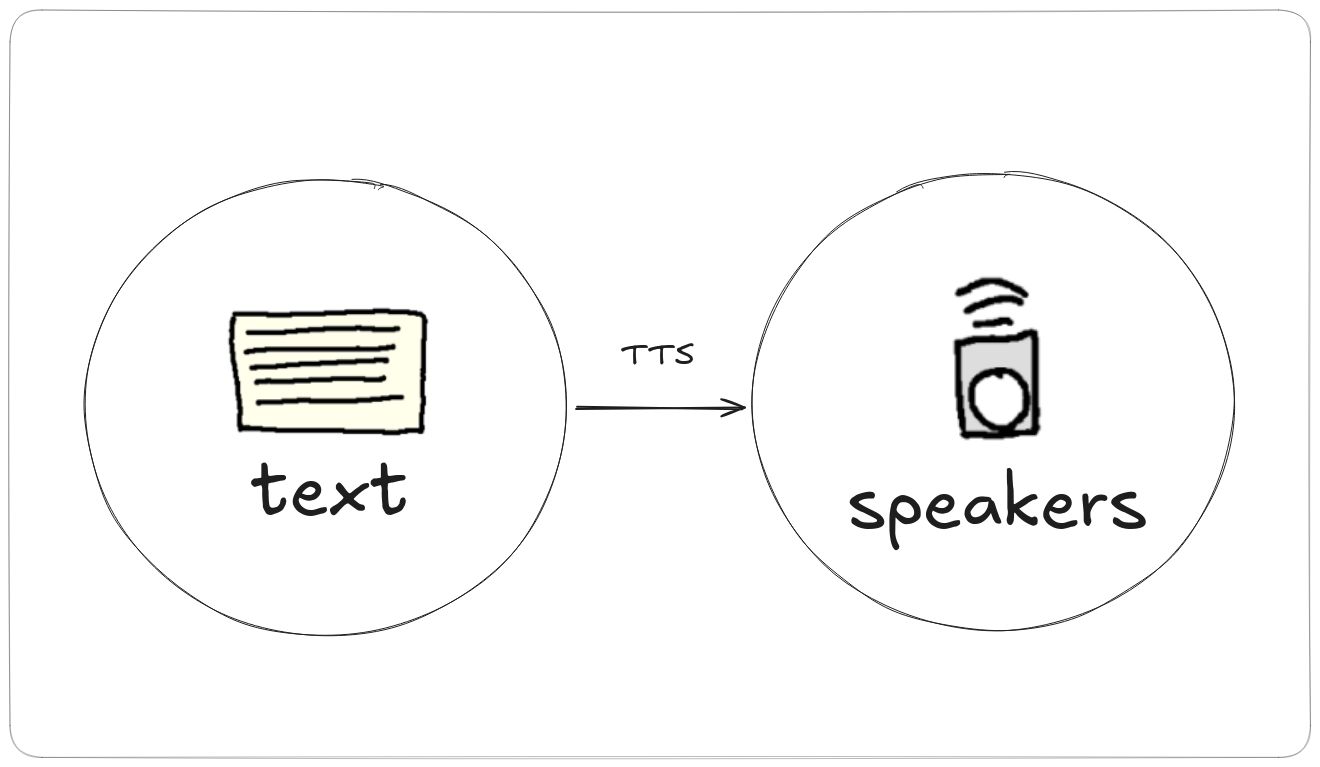
Reads a text file or STDIN text aloud, phrase by phrase, using an agent's voice. No LLM is
involved - only the selected agent's tts, voice and
language fields matter, so make sure the agent you pick has the right language
and voice for your text. See Agent fields & providers
for those settings.
Read from a text file (saved automatically to ~/.vtmate/read-files)
vtmate -r myfile.txt -a readerRead from STDIN text, get a response and exit
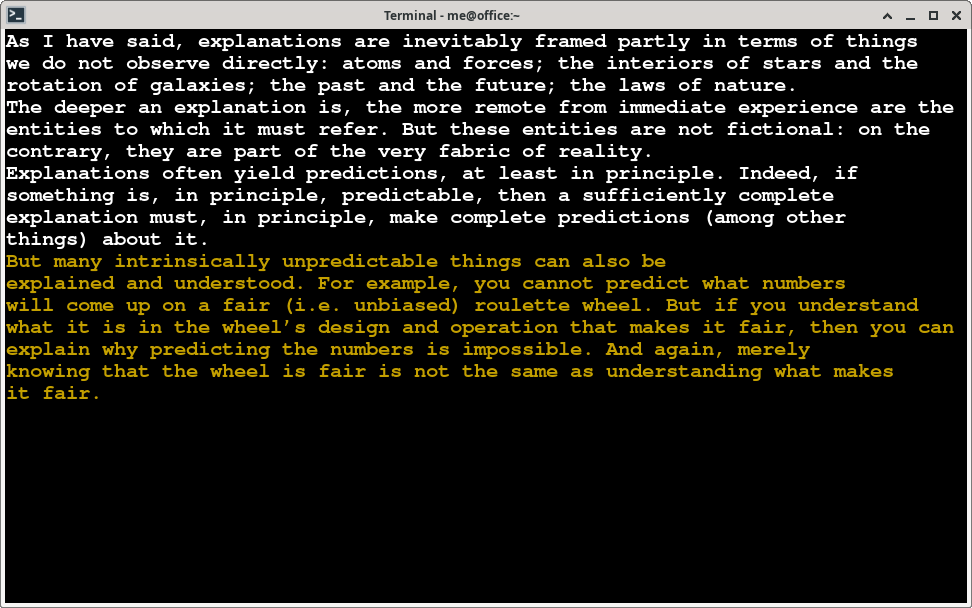
echo "First phrase. Second phrase" | vtmate -r -The full text is shown on screen, with the phrase currently being spoken highlighted so you can always see where you are - already-read phrases stay visible above it.
-r-stdout
-r-stdout (also spelled --r-stdout) is the headless version of
read mode: same text splitting and voice, but no on-screen text or navigation and no
audio device - the synthesized speech streams to STDOUT as a wav instead of playing out
loud, so it can be redirected to a file or piped into another program.
Render a file to a wav file
vtmate -r-stdout myfile.txt -a reader > myfile.wavRender STDIN text and pipe it straight into a player
echo "First phrase. Second phrase" | vtmate -r-stdout - | aplay -See CLI: STT / TTS for the other non-interactive, one-shot commands.