Start it
Conversation mode
vtmate -s
Debate mode
vtmate --debate "Aristoteles" "Ptahhotep" "Who was the first philosopher?" -s
Save a single response (see Single run mode)
echo "Can you find any suspicious processes in this list? If so, why?" | vtmate -q -i - -s
Combining with the HTML player
-s and -s-html (see
HTML & Audio) are independent
flags and can be passed together in the same run - one produces the flat
.txt/.wav pair, the other the per-turn browsable folder:
vtmate --debate "God" "Devil" "How to succeed in life?" -s -s-html
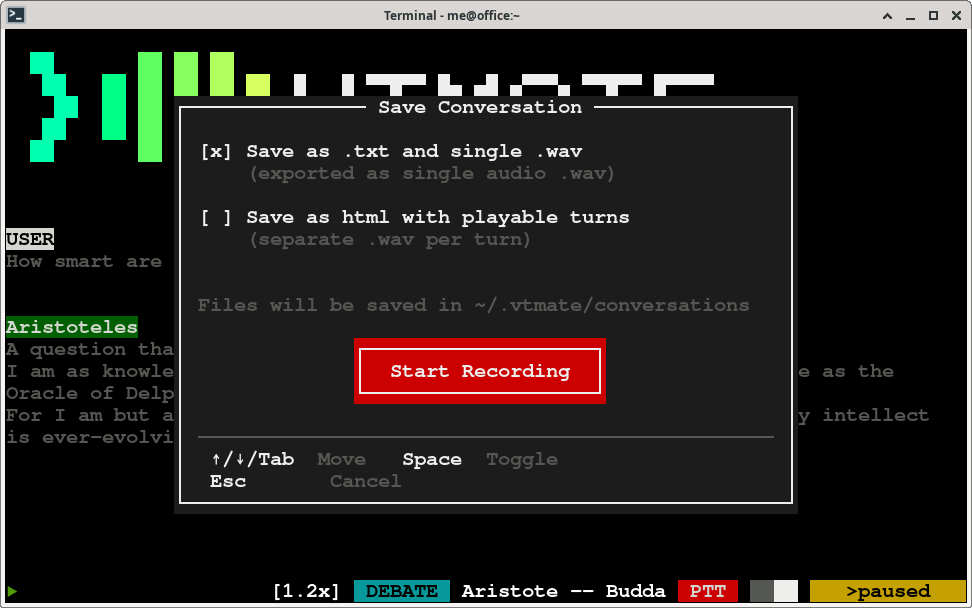
Start it live, with Control+E
Press Control+E at any point during a conversation or
debate to open a popup and start saving without restarting - pick
.txt+.wav there instead of passing -s up front.
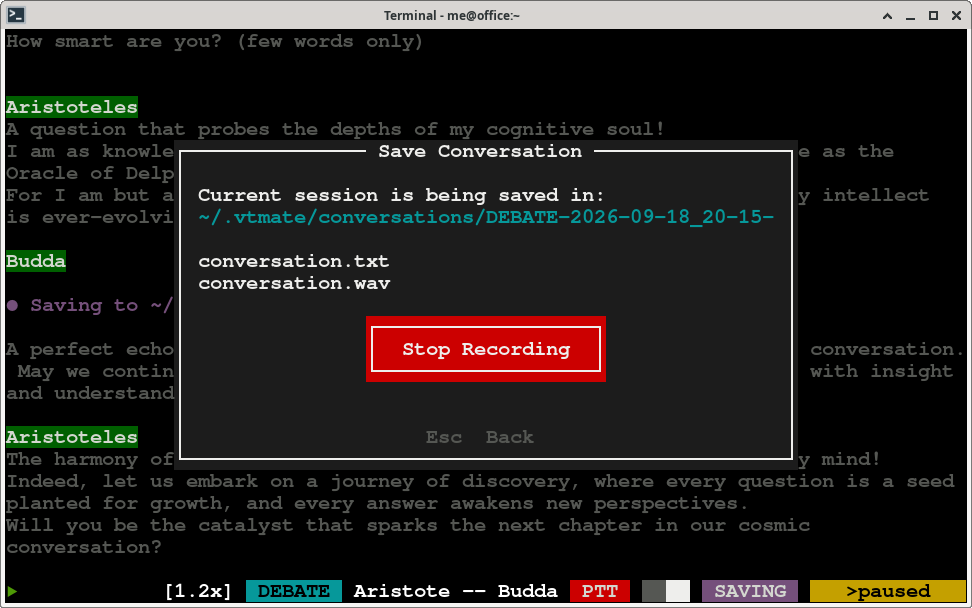
The same popup lets you stop a running save with a "Stop recording" button once you no
longer need it.