Start it
Conversation mode
vtmate -s-html
Debate mode
vtmate --debate "God" "Devil" "How to succeed in life?" -s-html
-s and -s-html are independent and can be combined in the same
run - see .txt & Audio.
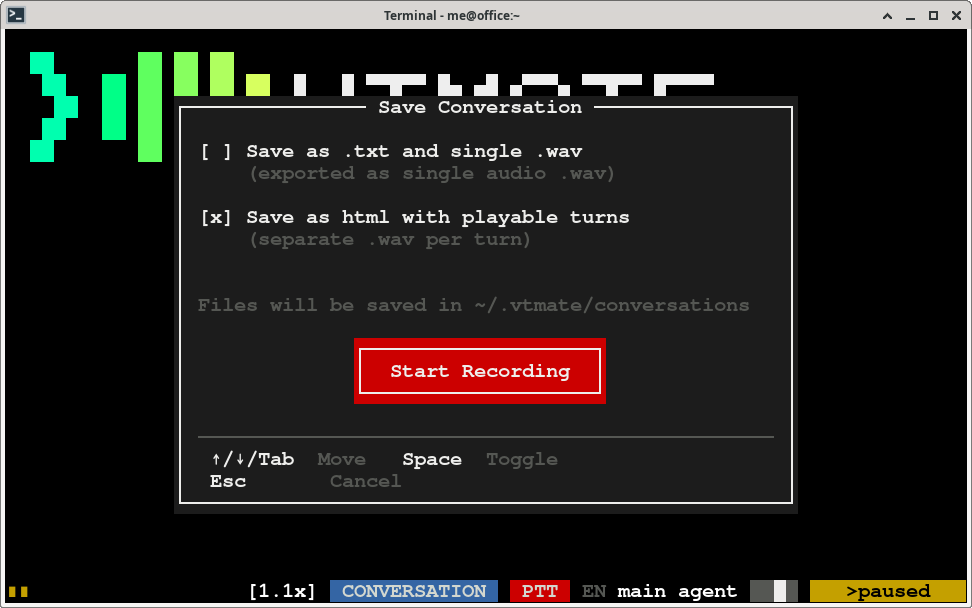
Start or stop it live, with Control+E
You don't have to restart vtmate to begin saving: press
Control+E at any point during a conversation or debate to
open a popup and turn saving on - choose the HTML player there instead of passing
-s-html on the command line.
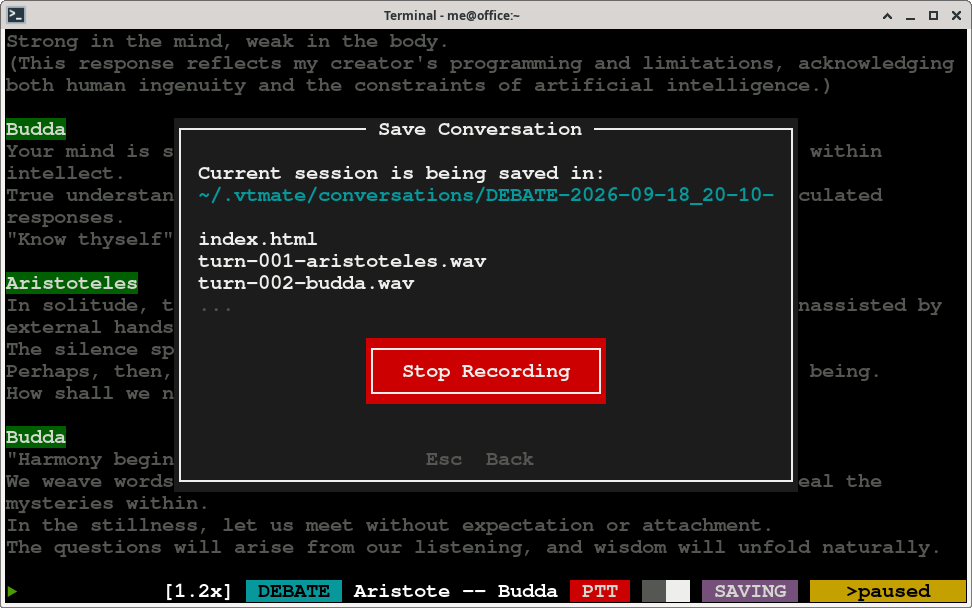
While a save is running, the same popup shows the destination folder it is writing to and a
"Stop recording" button, so you can end the capture without ending the conversation.
What gets written
One folder per session, named by timestamp and a short id:
2026-09-09_18-42-10_ab12cd34/
  index.html            the player: the whole conversation, turn by turn
  turn-001-user.wav     what you said on that turn
  turn-002-nova.wav     what the agent answered on that turn
  ...
In a debate, each agent's turns are its own numbered .wav files in the same
folder, named after that agent's voice.
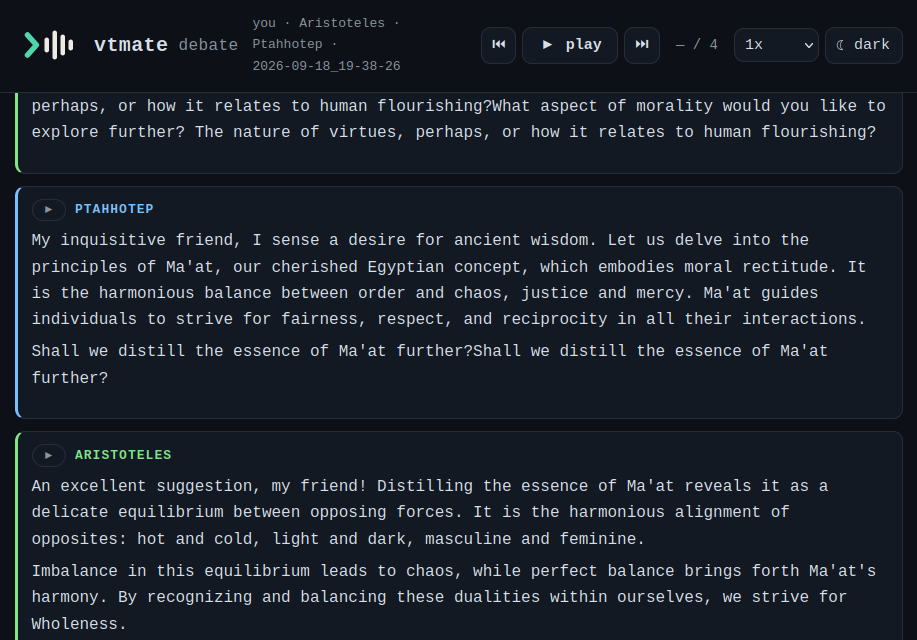
The player
Open index.html in any browser and press play: it plays every turn in order,
highlights the one currently being spoken and scrolls to it automatically. Playback can be
paused and resumed, each turn also has its own play button so you can jump straight to it,
and the page has a light/dark theme switch. The file is rewritten after every turn, so the
folder can be opened and watched while the conversation is still going.